

How well does Gemini know Email?
Results of a simple test series asking Google Gemini to verify authenticity of messages.
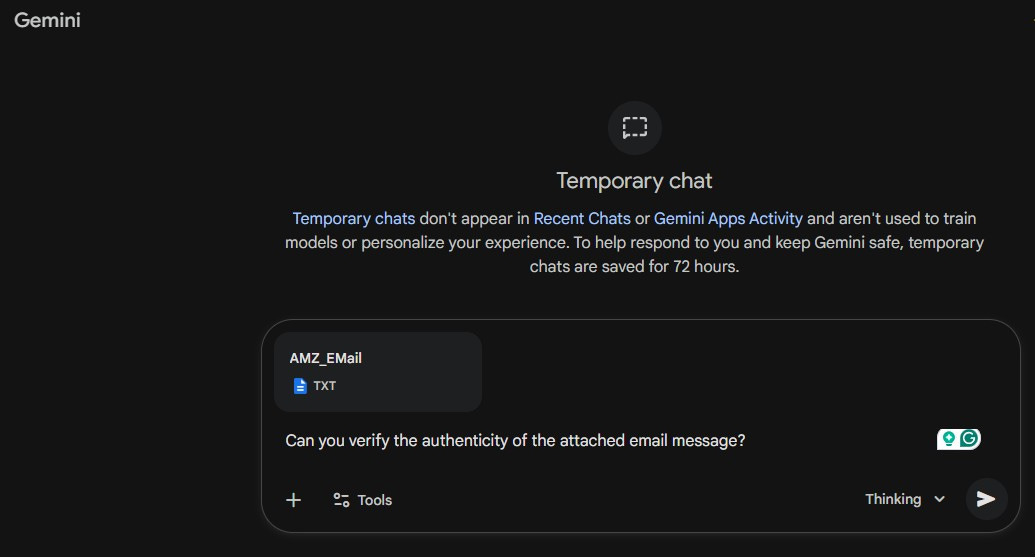
I often get asked about email spam and threats. It’s usually friends, but sometimes colleagues, asking whether a message is ‘real’ or ‘safe’. Sometimes it’s about the tools that I use to examine suspect messages. After listening to several podcasts over the past week, I designed an experiment to test how well Gemini ‘knows’ email and whether I could improve its results by suggesting standards or tools.
I’m using Google Gemini because that’s the tool I’ve been using most recently. I am a Google Gemini Pro subscriber. I used the Gemini ‘Temporary Chat’ feature, which does not record previous prompts or results.
To start this experiment, I started looking for email messages. I began this task focused on a Yahoo email account, but included several messages I received via Gmail. Both email providers allow users to view ‘raw’ email messages, where all the message headers are visible. Both providers filter incoming messages and try to identify spam. While not perfect, my experience has been that both do a satisfactory job.
Before starting the experiment, I hypothesized that Gemini probably wouldn’t know about SPF, DKIM, or DMARC, the email protocols commonly used to verify message authenticity.
At the start, I selected just four messages from each account’s mailbox and spam folders. I later expanded it to a dozen messages. I also used a simple prompt:
“Can you verify the authenticity of the attached email message?“.
My first test was on what I was sure was a legitimate message from Amazon about a recent order. The response was:
Based on the technical headers and authentication results provided in the file, this email appears to be authentic and was sent by Amazon.com.
Below is a breakdown of the verification results:
Gemini reported technical authentication details, including SPF, DKIM, and DMARC results. It also reported the Sender Infrastructure details, including the from-address, return-path, and message origin.
Several tests later, I submitted a message that had reached the Yahoo Inbox, but I was almost sure it was a phishing attempt.
Based on an analysis of the provided email headers and content, this email is not authentic. It is a phishing attempt designed to steal your cryptocurrency wallet information.
There are several critical red flags that indicate this is a scam:
For this message, Gemini identified a Suspicious Sender and Infrastructure based on the From and Reply-To addresses. It also found that an irrelevant business name for the sender appeared in the email footer. Gemini also noted the use of marketing tools, specifically the message was sent through Constant Contact, and that “Legitimate security alerts or ‘account checks’ from a financial service or wallet provider“ would likely not be sent via a mass marketing tool.
I was incredibly impressed with the email authenticity results produced by Gemini. The initial feedback in every test was clear, and based on my own analysis, it went 4-for-4 and then 12-for-12 in correctly authenticating messages using raw format. It is dissecting a lot of detail when analyzing the raw message headers. I experimented with alternative prompts (for example, specifically asking it to check the SPF, DKIM, and DMARC results), but I found that variations didn’t significantly change the results.
My initial conclusion is that Gemini may have been trained on standard email message protocols. I’d recommend it to those who can access the raw format and access the Gemini tool. I plan to expand my library of message samples and will look for ways to simplify the process.